Working with video almost always leads to the same moment of frustration: the file is ready-but way too big. Uploading drags on forever, sharing fails, storage fills up faster than you expected. That’s where video compression quietly saves the day.
Compressing a video basically means making the file smaller so it’s easier to store, upload, and share. But here’s the trick: you want to shrink the file without turning a crisp, clean video into a blurry mess. Good compression is almost invisible-it works behind the scenes. Bad compression? Instant headache.
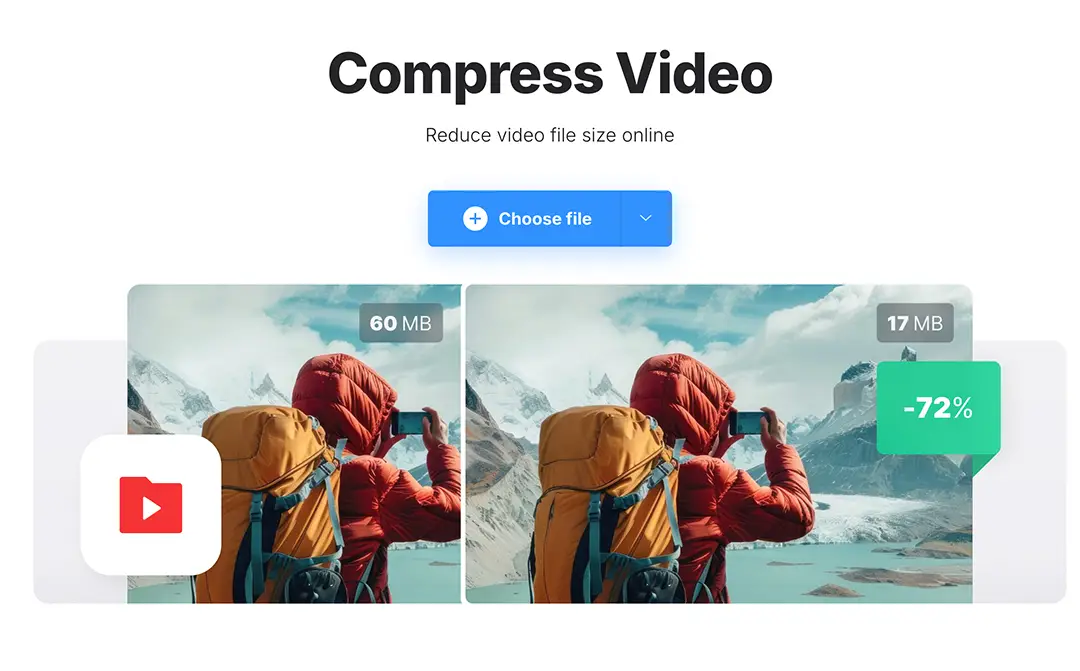
Even today, with fast internet and high-quality cameras everywhere, compression is more relevant than ever. Those high-res videos look amazing, but they also eat up storage and bandwidth at lightning speed.
Why compress videos?
- Videos load faster on websites and social platforms, keeping viewers from leaving in frustration.
- Phones, laptops, and cloud storage last longer because large files no longer hog space.
Sharing videos is easier-size limits stop being a nightmare.
When done right, compression isn’t noticeable. The viewer doesn’t care about file size-they just enjoy the video. That’s the magic.
Why Video Compression Still Matters
Video is everywhere. We watch it to relax, learn something new, and even for work. Social media clips, marketing videos, online lessons, personal memories, presentations-you name it. Video has become part of our everyday language.
The problem? Modern cameras and smartphones produce incredible quality. That’s great for watching, but even a few minutes of footage can take up gigabytes. Suddenly, storing, uploading, and sharing becomes a chore.
Large files cause all kinds of problems. Uploads slow to a crawl. Downloads fail. Devices run out of space. Streaming becomes a lottery for anyone with slower internet.
Here’s where compression helps. It reduces file size without destroying quality. Smaller files upload faster, stream more smoothly, and fit perfectly into our digital workflows. On websites, fast-loading videos keep viewers happy and even boost search engine performance.
Compression also makes video more accessible. Not everyone has high-speed internet or unlimited storage. A compressed video opens doors for a wider audience, letting everyone enjoy your content without frustration.
For a technical deep dive, Wikipedia’s digital video article breaks down how video files work and why compression matters.
Choosing the Right Video Compressor
Not all compression tools are created equal. Some go too far, turning your video into a pixelated disaster. Others barely shrink the file, leaving you stuck with a problem you were hoping to fix.
A good video compressor finds the sweet spot. It reduces file size but keeps the video looking natural, with smooth motion and crisp details. If the first thing you notice is weird squares or artifacts, that’s too much.
Ease of use is just as important. Most people don’t want to mess with codecs, bitrates, or resolution settings. A clean, intuitive interface is worth its weight in gold.
Format support is another factor. Popular formats like MP4, MOV, and AVI should compress without hiccups and play correctly on phones, tablets, laptops, and desktops.
One practical solution is Clideo’s video compressor. It runs entirely in your browser-no downloads or installations needed. The process is simple, and the tool automatically picks the best settings to preserve quality. Mobile users can also use the Clideo iOS app to compress videos on the go.
A Simple Way to Compress Videos Online
Video compression sounds intimidating, right? Codecs, bitrates, resolution… it can feel like you need a degree in video engineering. But the reality today is much simpler. Online tools handle all the technical stuff for you. Most videos can be compressed in just a few clicks.
Here’s the typical workflow:
Steps:
- Open an online video compressor in your browser or app.
- Upload the video you want to shrink.
- Let the tool do its thing and then download the compressed file.
Even large files are often done in minutes. Online tools balance file size and quality automatically, which is perfect for everyday use-no manual tweaks needed.
How to Keep Video Quality After Compression
Reducing file size is important, but quality comes first. After compressing a video, watch it from start to finish before sharing. A small issue caught early is much easier to fix than one spotted after uploading.
Also, avoid compressing the same video multiple times. Each round chips away at quality. Keep the original and compress only once for the final version.
Choosing a reliable tool matters. Good compressors maintain a balance between size and quality without forcing you to make complex technical decisions.
Video compression is no longer a professional-only skill. Today, anyone can reduce file sizes, save storage, and share content easily. And with video dominating online communication, knowing how to compress files effectively is a simple but incredibly useful skill.