Are you tired of spending hours creating game textures?
In 20206, many AI software solutions speed up game texture creation by automating repetitive tasks. What’s more, they generate high-resolution details from basic inputs and reduce production time and cost. Therefore, creators can spend less time on meaningless tasks and focus on quality and creativity.
In addition to these, these tools provide numerous variations of a single picture, making them look even more realistic and matching the style and aesthetics you aim for.
Continue reading this article to learn more about the best AI software solutions for game texture creation and their core aspects.
Tools at a Glance
| Tool | Game-Ready Assets | Best For | Does it have a free Tier? | Trustpilot Reviews |
|---|---|---|---|---|
| Krea.ai | Helps generate concept art, environment textures, and rough 3D models | Rapid concept ideation, style exploration, and seamless pattern textures | Yes, 100 compute units per day | ⭐3.6/5 |
| Layer AI | Production-ready 2D and 3D game assets that match your style | Rapid environment textures generation | Yes, 50 daily credits | ⭐3.2/5 |
| Meshy | Generates game-ready 3D assets from text prompts | Game-ready 3D assets generation | Yes, 100 credits per month | ⭐4.7/5 |
| Scenario | Production-ready 2D and 3D game assets, custom model training | Style-consistent textures generation | Yes, 50 daily credits | ⭐3.8/5 |
Top 4 AI Solutions for Game Texture Creation Reviewed
Krea.ai
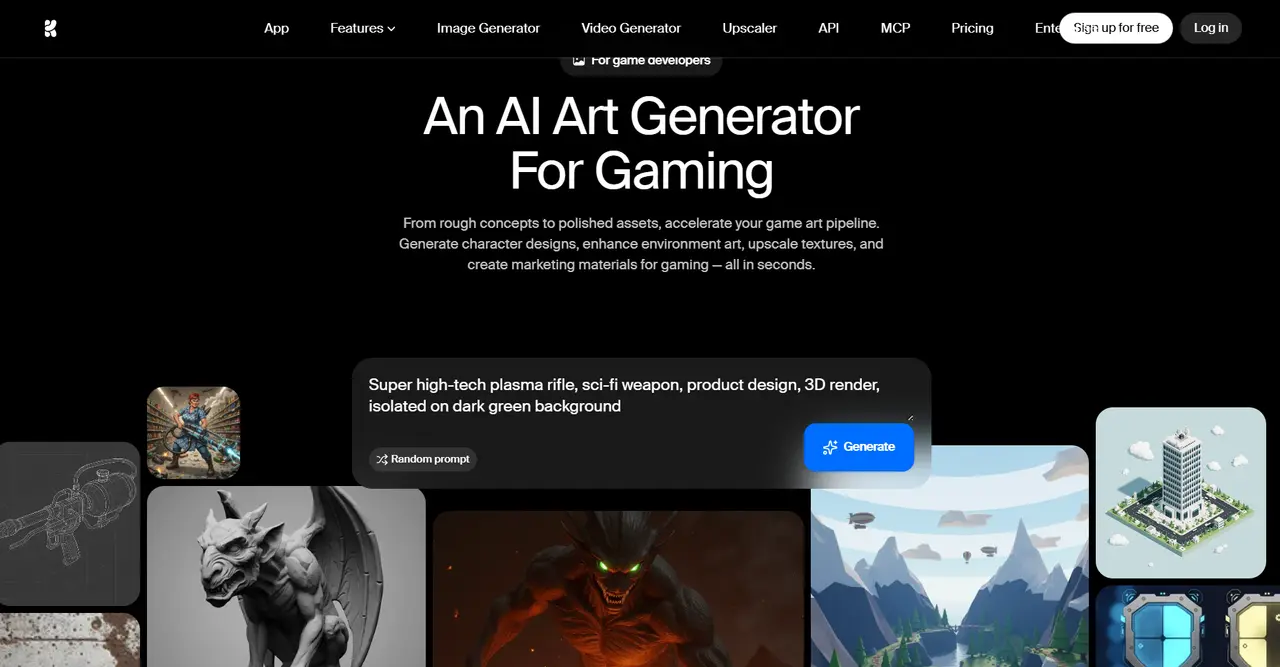
Krea.ai is a creative design suite helping to generate, edit, and upscale images, videos, and 3D designs with its integrated AI tool. It assists in early-stage game development and is great for concept art.
Main Aspects
- Concept Creation: On Krea, you can easily generate characters, environmental details, and explore diverse ideas and visual styles, which are great for pitches and visual development.
- Multi-Modality: Turn still images into animation or transform renders into 3D models, and move design modes to achieve
- Force Multiplier: On Krea, you can find tools for AI generation, variation, editing, and upscaling so you can collaborate within your team and achieve a quick and seamless result.
- Access to Diverse AI generators: You have the ability to use different advanced AI modes during your creation, including Sora, Nano Banana, ChatGPT, Kling, Qwen, Veo, Seedream, and so on.
- Train Your AI: Use your existing references, provide clear prompts, and work with hundreds of styles to choose from ones that are unique to your preferences.
- Save Time: Create color variations, characters for your game and their costumes, and environmental details; experiment with style and save time for later use.
- Upscale the Design: Ability to enhance the quality of the design to 8K+ for promotional materials, making your game shine among the competitors.
Krea.ai is one of the greatest options for game texture creation since it provides advanced editing functions, diverse modes, and high-resolution designs.
Layer AI
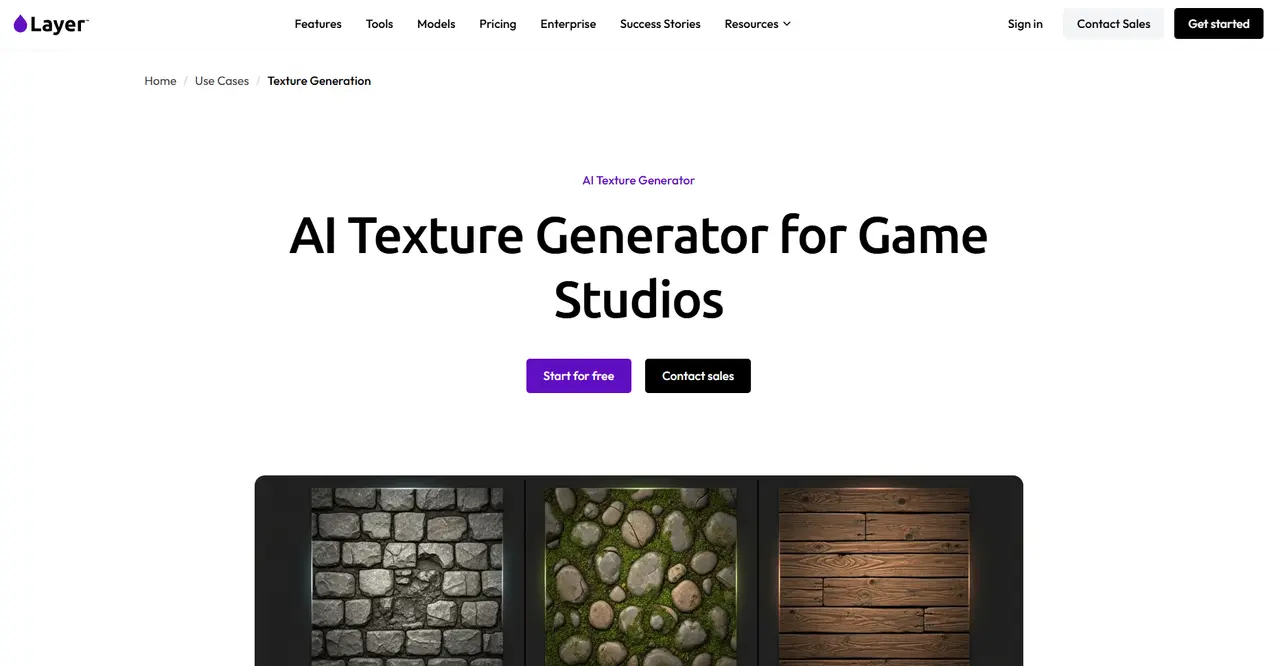
Layer AI is another AI platform that helps generate, scale, and edit diverse 2D and 3D textures and game assets, helping to save time and money.
Main Aspects
- Texture Libraries: Different layers ensure large-scale texture consistency across game projects. In addition, you can have access to different interesting design options by using custom style presets.
- Seamless Workflow: Uses automated workflows to bulk-generate diverse material variations in minutes.
- Style Consistency: On Layer AI, you can train the AI by mixing both existing art directions and your brand guidelines to generate visually unified textures.
- Diverse Styles: You can use the same concept for the material in different styles to determine which surface best matches your goal. You can explore stone, metal, wood, fabric, organic, and other surface treatments.
Layer AI is a good tool if you are looking for interesting texture variations, matching designs, and many styles to experiment with.
Meshy
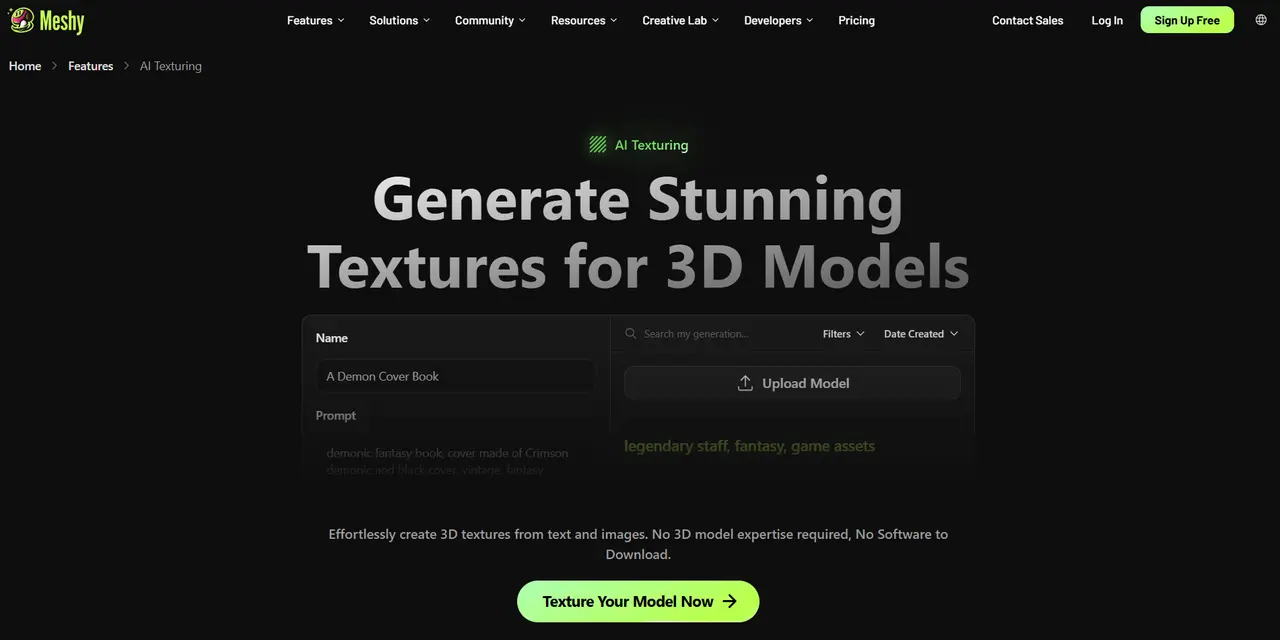
Meshy is another AI tool that helps to generate 3D models and automated textures from text prompts and 2D images.
Main Aspects
- Prompt Generation: Type a simple text to instantly map details to existing or newly generated designs.
- Multi-Material Option: If your piece is separated into pieces, you can apply different prompts to your 3D design.
- Style Matching: Upload a reference image that will guide the AI and match the style you are aiming for.
- Image-to-3D: Upload an image or sketch, and Meshy quickly turns it into a 3D model to use in a game or for print.
- Help in Brainstorming: If you do not know when or how you should start, Meshy can help to brainstorm ideas for you, turn 2D concepts into 3D models, and answer all of your inquiries.
Meshy is an interesting option for people who are looking for good-quality 2D and 3D designs and style variety.
Scenario
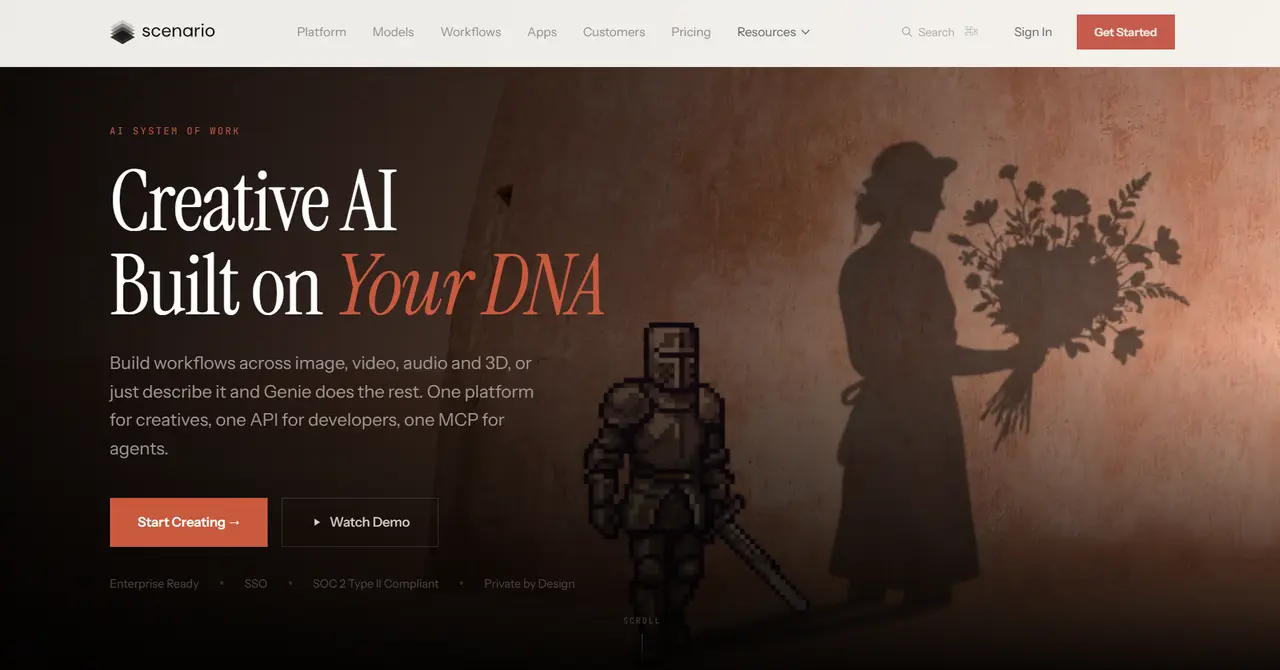
Scenario is an AI-powered creative design platform that helps to generate game-ready textures and 3D assets.
Main Aspects
- Train for Custom Design: Upload your references and visual library, and let Scenario learn your visual identity and create assets that stay true to your style.
- All Models: Have access to 500+ models and 50+ providers in a single workspace; new models are added continuously on the platform.
- Seamless Patterns: Turn text prompts or reference images into replaceable patterns to use in design and gaming.
- Upscaling: Enhance the design textures up to 8K with precision using creative AI tools.
If you want to receive personalised results for game textures and all in good quality, Scenario is a good option for you.
The Takeaway
Numerous AI software tools help to make game texture creation easy and effortless.
With the help of these tools, creators can not only turn their ideas into reality, but they can also experiment with styles and choose the one that is closest to their main objective. Editing is also easy, and creators can alter the colors, textures, and styles, as well as change the models to 2D or 3D design, and train the AI to make upcoming creations easier.
If you are aiming for a diverse and unique style for your game texture, choose the tool you like the most and start creating.